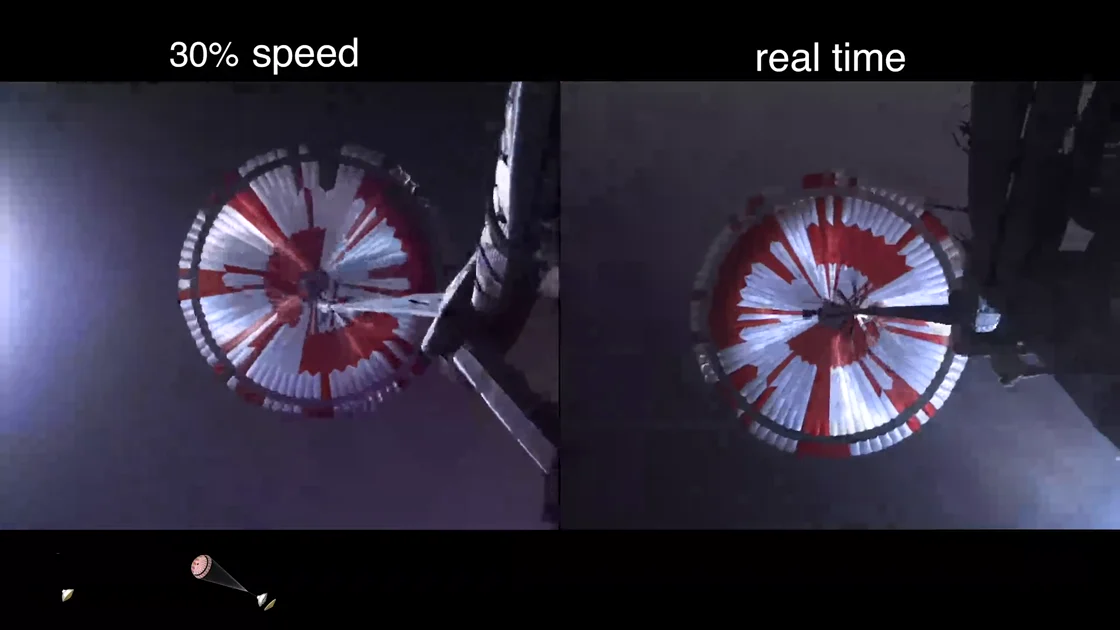
 The parachute above the rover ↗
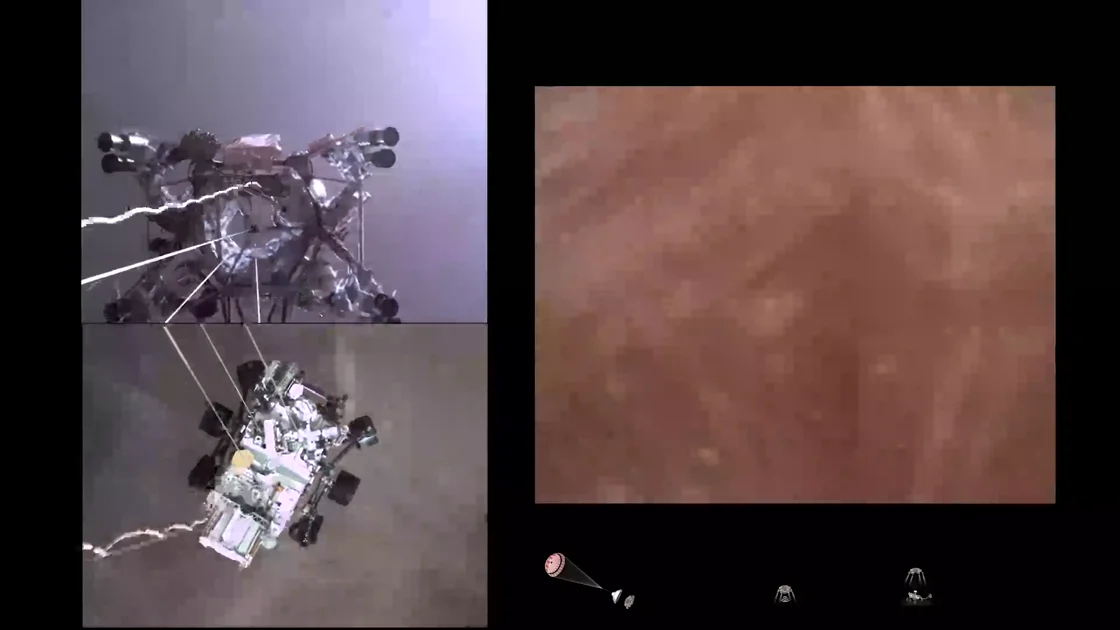 The rover lowers on cables ↗
A quick recap
Start with the main points, then follow the chapter links when you need the details.
AI Watch reads speech and on-screen frames, then connects chapters, notes and answers to the moments behind them.
Free account: 200 AI Processing Units a month. The price is shown before you start.
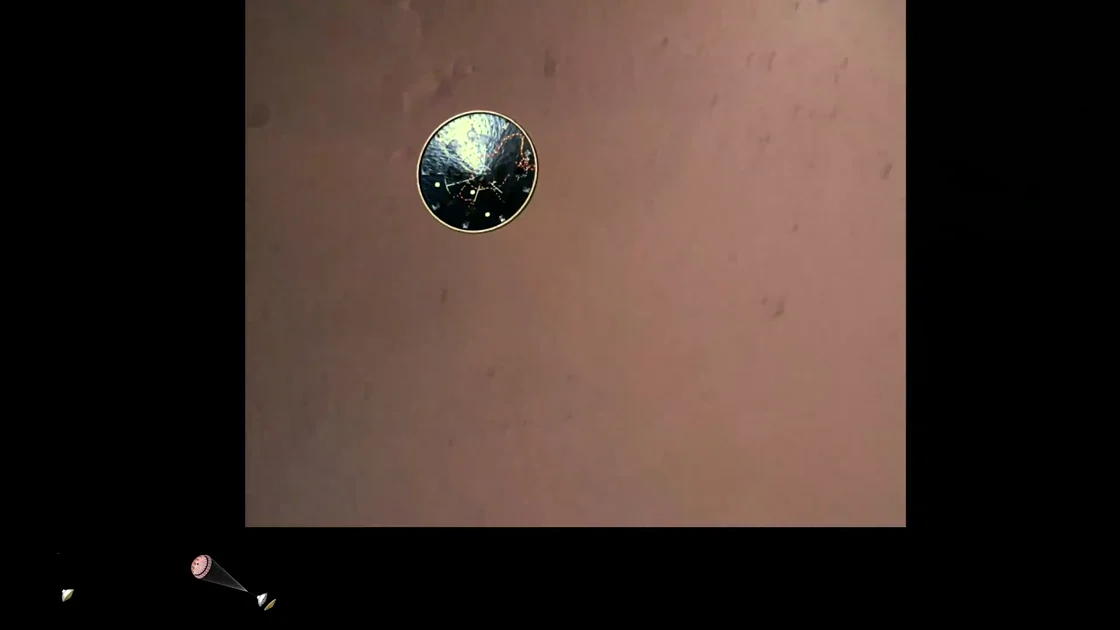
“Circular camera view showing heat shield separation and first look at the Martian surface.”
Check the cited moment · 00:31–00:55 ↗Excerpt from a real AI Watch result. Source opens on YouTube.
Real NASA frames from the same landing. Open any moment and see it for yourself.
Footage: NASA/JPL-Caltech. These frame labels describe the footage; the unedited model output is available in the full analysis.
Start with the main points, then follow the chapter links when you need the details.
Ask a follow-up question against stored speech and visual evidence. Check the cited moment before using the answer.
Use study notes and self-test questions, then copy or export the work as Markdown.
Connect through MCP to request an analysis and bring timestamped evidence into your research workflow.
Important: AI can misread a frame, miss a brief visual, or draw the wrong conclusion. Sampling is not continuous viewing, timestamps can be approximate, and source captions can contain errors. Check the cited moment before relying on an important claim. The unedited demo shows the delivered format and its model-reported limitations.
A transcript gives you exact text. AI Watch adds visual understanding, chapters, real frames, study notes and evidence-led answers.
Yes. When captions do not exist, Watch interprets audio alongside the frames and labels spoken evidence accordingly.
The analysis charge is refunded automatically — VidWords only keeps it when it delivers a finished analysis. One exception: if the video had no captions and we transcribed its audio first, that transcription is kept and charged, because it was delivered and is reused when you try again.
Yes—copy to clipboard or download as Markdown for Notion, Obsidian or a study document.